
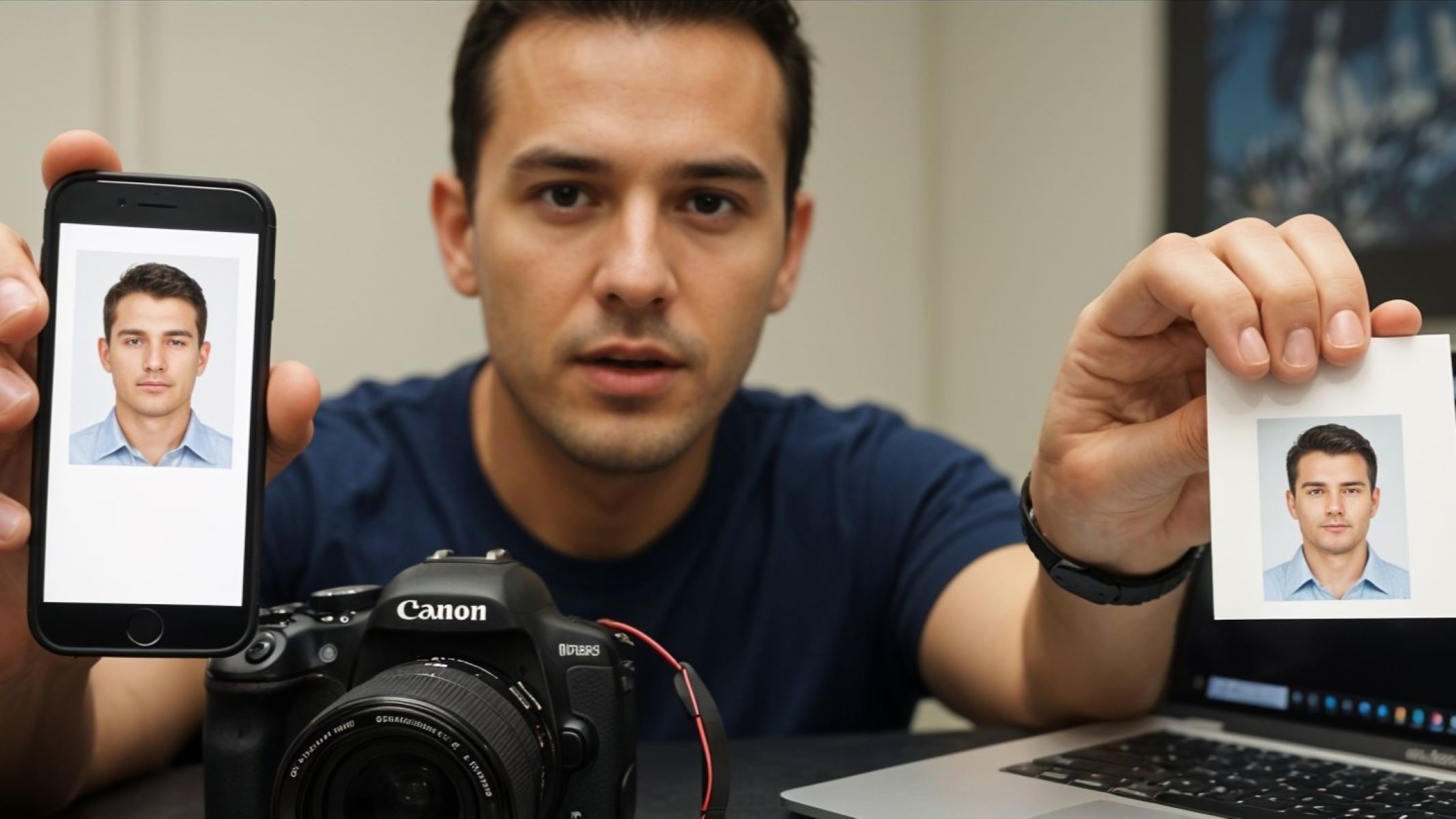
Let’s be honest—passport size photos are one of those things you don’t think about until you really need one. Applying for a visa? Renewing your driver’s license? Opening a bank account in some countries? Yup, that little photo becomes very important. But here’s the kicker—you’ve got options. Passport photo online, printed or digital? So, how do you decide? Let’s break it down, no fluff, just facts (with a bit of friendly advice thrown in).
Understanding the Two Types: Digital and Printed
Before diving into the pros and cons of passport photos, it’s important to understand what we mean when we say “digital” or “printed.” Though both formats serve the same purpose—identifying you on official documents—they’re quite different in how they’re created, used, and stored. This difference matters, especially when you’re filling out forms that come with strict photo requirements. Choosing the right type could mean the difference between a smooth application and a frustrating rejection.
A digital passport photo is essentially a high-resolution image file—typically JPEG or PNG—captured using a smartphone, webcam, or digital camera. It’s usually edited to meet specific size and formatting rules, such as correct face centering, neutral backgrounds, and exact pixel dimensions. These digital photos are primarily used for online applications, where you’re asked to upload your image through a government portal or email it to an agency. With the rise of remote applications and mobile ID services, digital passport photos are becoming more common and, in some countries, even preferred.
On the other hand, a printed passport photo is the traditional version—an actual photograph, usually 2×2 inches or 35×45 mm, printed on high-quality photographic paper. This format is widely accepted around the world and often required when submitting physical documents or attending in-person appointments. Printed photos are typically taken at professional photo studios that are familiar with local government regulations, helping to ensure that your photo gets accepted the first time. Even today, many embassies, visa centers, and licensing offices insist on physical photo submissions, especially for identity verification purposes.
While both digital and printed photos may look similar at first glance, the way they are produced and submitted leads to different advantages and challenges. Some people prefer the flexibility and instant convenience of digital files, while others stick with the security and universal acceptance of printed versions. Understanding these core differences is the first step in choosing the passport photo option that best suits your situation—whether you’re applying online from your couch or standing in line at a consulate.
Why the Shift Towards Digital is Real
- Most government and official applications nowadays require you to upload a digital photo directly through their online portals, making digital photos practically essential for modern document processing.
- Taking a digital passport photo from home saves you the hassle of traveling to a photo studio, standing in queues, or worrying about their opening hours, giving you ultimate flexibility and time savings.
- Digital photos can be instantly shared via email or upload, speeding up application processes and eliminating delays caused by mailing physical photos or waiting for printing.
- You can store digital photos easily on your phone, computer, or cloud services, so you never have to worry about losing or damaging your photo like you might with printed copies.
- Digital photos are reusable for multiple applications without needing new prints, making them cost-effective over time, especially if you apply for various IDs, visas, or permits.
- Many smartphone cameras today offer high-quality images that meet official passport photo standards, meaning you don’t need expensive equipment or professional help.
- Online passport photo apps and websites provide built-in editing features to automatically adjust size, crop correctly, remove backgrounds, and fix lighting issues, ensuring compliance with strict government photo requirements.
- Digital photos support rapid updates and retakes—you can snap multiple shots, pick the best one, and make edits without wasting any physical prints.
- Digital storage allows for easy backup and retrieval, so if you lose your device, you still have access to your photo stored securely online.
- The environmental impact is lower with digital photos, as they reduce the use of photographic paper, ink, and shipping materials compared to printed photos.
- During pandemics or other health crises, digital photos allow you to avoid unnecessary trips outside and maintain social distancing by completing applications entirely online.
- Digital passport photos integrate well with other online identity verification technologies, such as facial recognition and biometric systems, which are increasingly common in border control and secure transactions.
When a Printed Photo Still Rules the Game
| Scenario | Reason Printed Photos Are Preferred | Challenges with Digital Photos | Benefits of Printed Photos | Examples / Notes |
| In-person Government Applications | Physical submission is often mandatory for identity verification | Digital uploads may not be accepted or systems may lack digital infrastructure | Tangible proof accepted immediately; easy for officials to handle | Passport renewals, driver’s license applications at offices |
| Old-school Bureaucracies | Traditional processes rely on physical paperwork and photos | Many offices have not yet modernized or digitized processes | Printed photos fit seamlessly into existing workflows | Many developing countries or government branches worldwide |
| Visa Submissions Requiring Physical Documents | Embassies or consulates often require original photos with physical application packets | Digital files may be rejected or require additional verification steps | Ensures compliance with strict embassy photo standards | Tourist and work visa applications in many countries |
| Backup When Digital Upload Fails | Online systems may crash or reject photos due to formatting errors | Technical glitches, slow internet, or incompatible formats | Printed photos serve as reliable backups during submission | When applying at kiosks or during internet outages |
| Avoids Tech Issues | Printed photos eliminate problems like corrupted files or wrong formats | Digital photos can be corrupted, misplaced, or rejected due to technical errors | Physical photos never require troubleshooting digital devices | Useful for elderly applicants or in regions with low tech literacy |
Comparing Digital vs. Printed Passport Photos: A Quick Glance
When weighing the differences between digital and printed passport photos, it’s helpful to look beyond just the surface and understand what each option truly offers. Digital passport photos provide very high convenience because they can be taken, edited, and submitted entirely online. With the rise of smartphones and online services, a good passport photo tool allows users to quickly capture and adjust their images to meet government standards without ever leaving their home. This immediacy and ease are unmatched by printed photos, which usually require a trip to a photo studio and waiting time.
Cost is another important factor that distinguishes the two formats. Digital photos are often cheaper or even free if you take and edit them yourself using an online passport photo tool or smartphone app. In contrast, printed photos come with printing fees, which can add up if you need multiple copies or reprints. Additionally, printed photos are physical items that may wear out, get lost, or become unusable, meaning you might need to pay for new prints over time. Digital photos, however, can be stored easily on a device or in the cloud, ready to be reused whenever necessary.
Editing flexibility further highlights the advantages of digital photos. Using a passport photo tool, you can adjust the background, crop the photo to exact specifications, and fix lighting issues with just a few clicks. Printed photos offer very limited editing options unless you go back to a professional studio. This lack of flexibility can cause issues if the photo does not meet specific government requirements, potentially leading to rejections and delays in processing. On the other hand, legal acceptance of photos varies depending on the country. Printed photos are still universally accepted worldwide, while digital photos depend on the jurisdiction and the agency’s willingness to accept digital submissions.
Finally, the storage and time factors come into play. Digital passport photos can be instantly created, stored on devices, backed up in the cloud, and shared online without physical limitations. Printed photos, however, require physical storage space and can take anywhere from 30 minutes to a few hours to be produced. This physical nature means printed photos are less convenient for quick resubmissions or backup purposes. Overall, a modern passport photo tool empowers users with speed, flexibility, and ease, making digital photos an increasingly popular choice in our fast-paced, technology-driven world.
Convenience Matters: Which Is Easier to Get?
- Digital passport photos can be taken instantly at home, eliminating the need to change out of comfortable clothes or prepare extensively.
- Using your smartphone camera, you can capture multiple shots in quick succession until you find the perfect one, without feeling rushed or pressured.
- There is no need to plan your day around photo studio hours or travel time, which saves valuable time and effort.
- You avoid the hassle of commuting, especially in bad weather, heavy traffic, or when public transport is unreliable.
- Waiting in queues or for your turn at a photo studio is completely eliminated when you choose digital photos.
- The cost associated with traveling to and using photo studios is saved, making digital photos a budget-friendly option.
- You can use convenient online passport photo tools that guide you step-by-step, ensuring the photo meets official requirements without needing expert help.
- For people with busy schedules, digital photos offer flexibility—they can be taken early in the morning, late at night, or during breaks, whenever it suits you best.
- Avoiding in-person interactions can be a big plus for those who dislike small talk or are camera-shy when in public.
- If you make a mistake or don’t like the initial photo, digital options let you retake and edit immediately without additional costs or inconvenience.
- Digital photos are easily shared or uploaded right after taking them, streamlining the entire application process.
- For printed photos, preparation involves dressing appropriately, possibly grooming for a professional look, and scheduling a studio visit.
Meeting Government Requirements: Which One Wins?
| Aspect | Printed Photos | Digital Photos | Key Considerations | Examples / Notes |
| Acceptance Rate | Generally higher due to professional studio standards | Can be equally accepted if prepared correctly | Proper formatting and adherence to specs are crucial | Printed photos often accepted immediately; digital varies |
| Professional Expertise | Studios understand exact government requirements | Users need to rely on apps or self-editing tools | Professional lighting, background, and cropping matter | Studios reduce risk of rejection with expert handling |
| Automatic Formatting Tools | Not applicable | Many apps like passport photo tool automatically crop, center, and edit photos | Automated adjustments improve compliance | Tools like Passport Photo Online and IDPhoto4You |
| Risk of Rejection | Lower, due to professional preparation | Higher if photo isn’t properly formatted or edited | Shadows, incorrect size, or poor lighting cause rejections | Agencies may reject digital uploads with minor errors |
| Checking Requirements | Studios usually know and follow latest guidelines | User must verify agency-specific rules before submission | Always check official photo specs before submission | Government websites provide photo templates and instructions |
Processing Time: Fast or Frustrating?
When it comes to processing time, digital passport photos have a clear advantage. Taking and preparing a digital photo can be done in just a few minutes, especially with the help of online passport photo tools and smartphone apps that guide you through each step. From snapping the picture to cropping, adjusting the background, and ensuring compliance with government standards, the entire process is streamlined and often instant. This means you can have a fully compliant passport photo ready to upload or send within a very short timeframe, making digital the ideal choice for those in a hurry.
On the other hand, printed photos require more time and effort. Whether you visit a professional photo studio or use a self-service kiosk, there are several steps involved beyond simply taking the picture. After the photo is captured, it often needs to be developed, printed on photographic paper, and sometimes laminated or otherwise processed to meet official specifications. Depending on where you go, this can take anywhere from 30 minutes to several hours. Additionally, if you don’t like the photo or it doesn’t meet requirements, you may need to redo the entire process, adding even more time.
Another important factor is that many online services now offer a combination of digital and printable passport photos. These platforms allow you to download a high-quality digital version for online submissions while also providing a printable template if you need physical copies. This hybrid option gives you the best of both worlds—speed and flexibility—allowing you to quickly meet various application requirements without multiple visits or wasted effort.
In summary, if you value speed and convenience, digital photos are the fastest route to getting your passport photo ready. Printed photos, while reliable and widely accepted, demand more patience and planning due to the extra processing time involved. For urgent applications, using an online passport photo tool to produce a digital image is often the smartest and least frustrating choice.